Manage users from Settings
Who this is for. Shop owner.
Watch it
Clip coming.
The Users tab is the same table used by Invite a user and Deactivate a user, reached straight from Settings. There is nothing new to learn here beyond those two pages.
Steps
- Settings, Users tab.
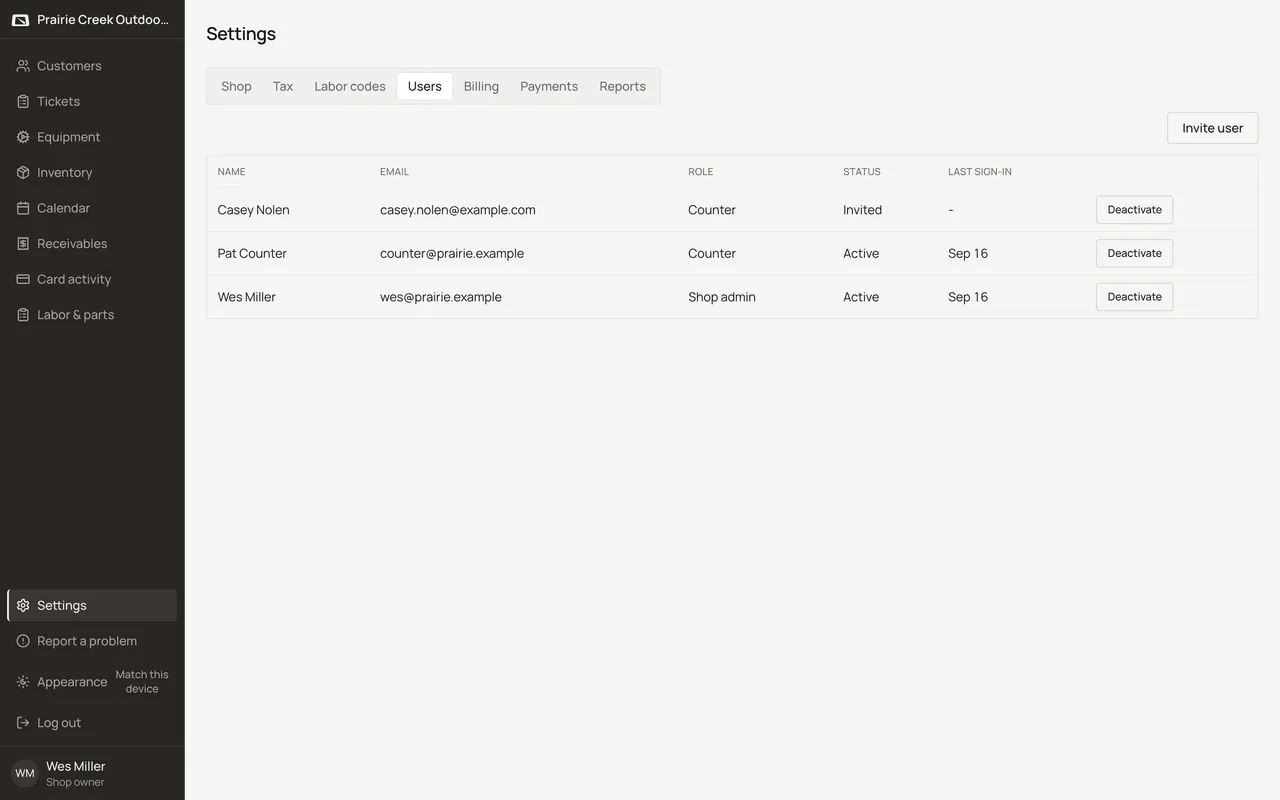
- Invite user opens the same dialog described in Invite a user.
- Each row’s Deactivate or Reactivate button works exactly as described in Deactivate or reactivate a user.
What happens to money and stock
Nothing moves.
Watch out for
- Same screen and steps as inviting or deactivating a user. See those pages.
Updated September 16, 2026