Know who can do what
Who this is for. Shop owner, counter.
Watch it
14 seconds, narrated, captions on. Sample shop. Made-up names and tickets.
What the clip says
Signed in as Counter, Settings only has Shop, Payments, and Reports. Log out. Signed in as the shop owner, Tax, Labor codes, Users, and Billing show up too.
Every signed-in person is either a counter or a shop owner. Counter runs the full daily path; the shop owner can do everything Counter can, plus the shop’s own account and its money.
What each can do
| Can they… | Counter | Shop owner |
|---|---|---|
| Work customers, equipment, and tickets | Yes | Yes |
| Receive stock | Yes | Yes |
| See the calendar and Receivables | Yes | Yes |
| See cost and profit, once the shop code is entered | Yes | Yes |
| See Labor & parts totals, once the shop code is entered | Yes | Yes |
| See Card activity | No | Yes |
| Void an invoiced ticket | No | Yes |
| Invite or deactivate a user | No | Yes |
| Change the default tax rate | No | Yes |
| Add or edit labor codes | No | Yes |
| Change the shop’s profile or the shop code | No | Yes |
| Pay the ReedPort bill, or set up card payments for customers | No | Yes |
| Report a problem | Yes | Yes |
Steps
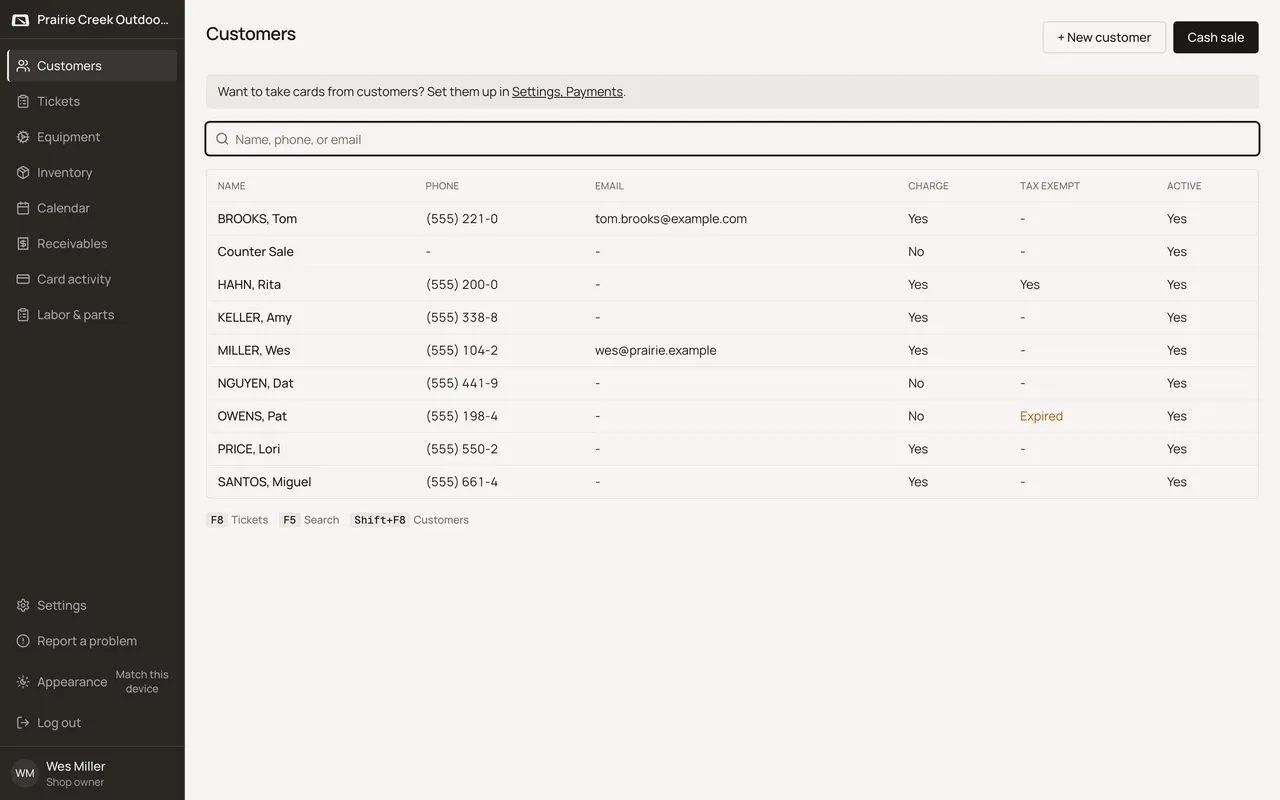
- The nav looks the same either way. Here it is signed in as Pat Counter, a counter.
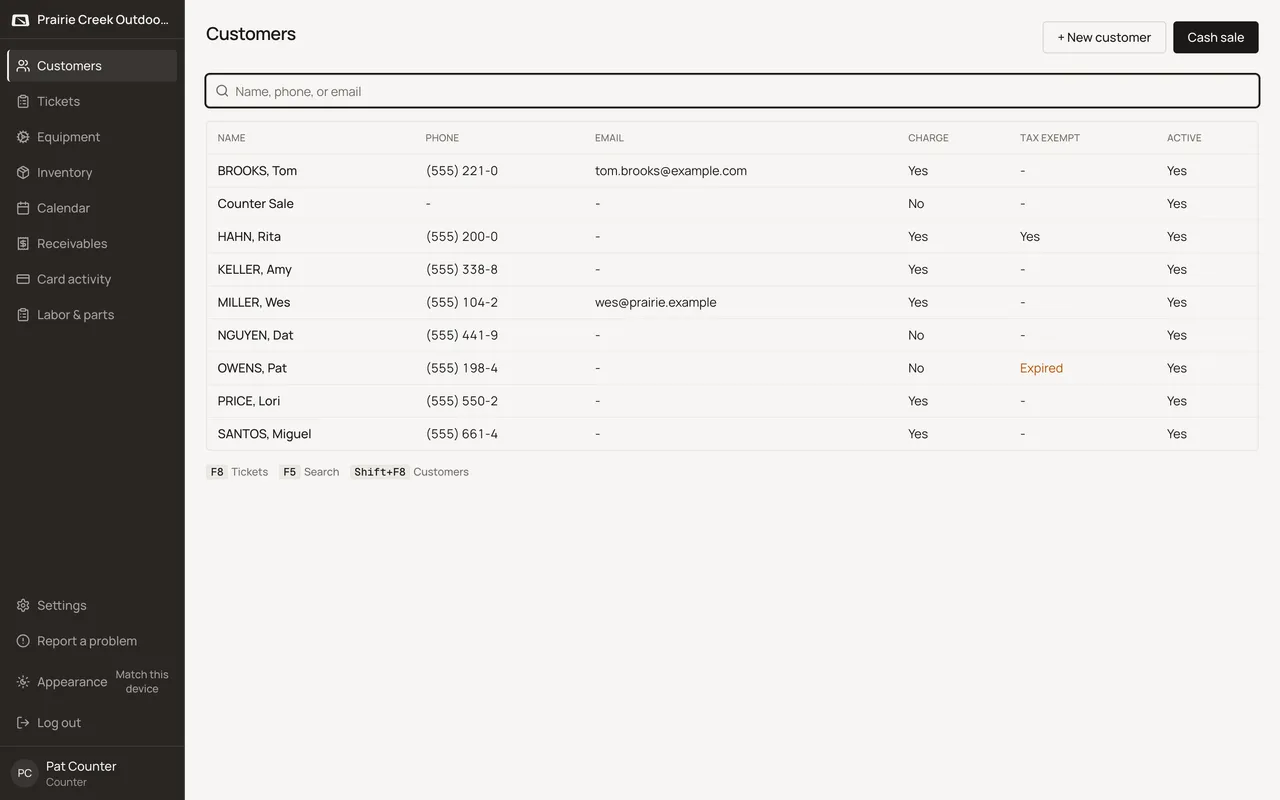
- Here it is signed in as Wes Miller, the shop owner. Same nav items; what changes is what each screen actually shows or lets you do once you’re on it.
- Counter runs the daily path: customers, equipment, tickets, receive, the calendar, Receivables, and Show cost once the shop code is entered.
- A shop owner can do all of that, plus Settings’ owner-only tabs, inviting and deactivating, the default tax rate, labor codes, the shop’s profile and shop code, Card activity, voiding an invoiced ticket, and the shop’s own bill.
- The shop code that unlocks cost and totals is the same one for anyone who knows it. Entering it is not tied to a role.
What happens to money and stock
Nothing moves. This page is a reference, not an action.
Watch out for
- Counter can see cost and totals once the shop code is entered, but can't invite, change tax or the shop code, or void.
- Card activity is a nav item for everyone, but a counter who opens it sees only "Shop owner only.", not the data.
Not yet
Only two roles exist, Shop admin and Counter. There is no custom role or permission set.
Updated September 16, 2026