Find a customer
Who this is for. Counter, shop owner.
Watch it
19 seconds, narrated, captions on. Sample shop. Made-up names and tickets.
What the clip says
Open Customers and type a few letters of a name, a phone number, or an email. The list narrows with each letter, so the exact spelling is not required. With one match on the list, press Enter and that customer's page opens.
Typing a few letters of a name, phone, or email narrows the Customers grid live. Enter opens the top row; double-click opens any row.
Steps
- Click the search box, then type a name, phone, or email. The grid narrows as you type.
- Press Enter to open the top or selected row, or double-click any row.
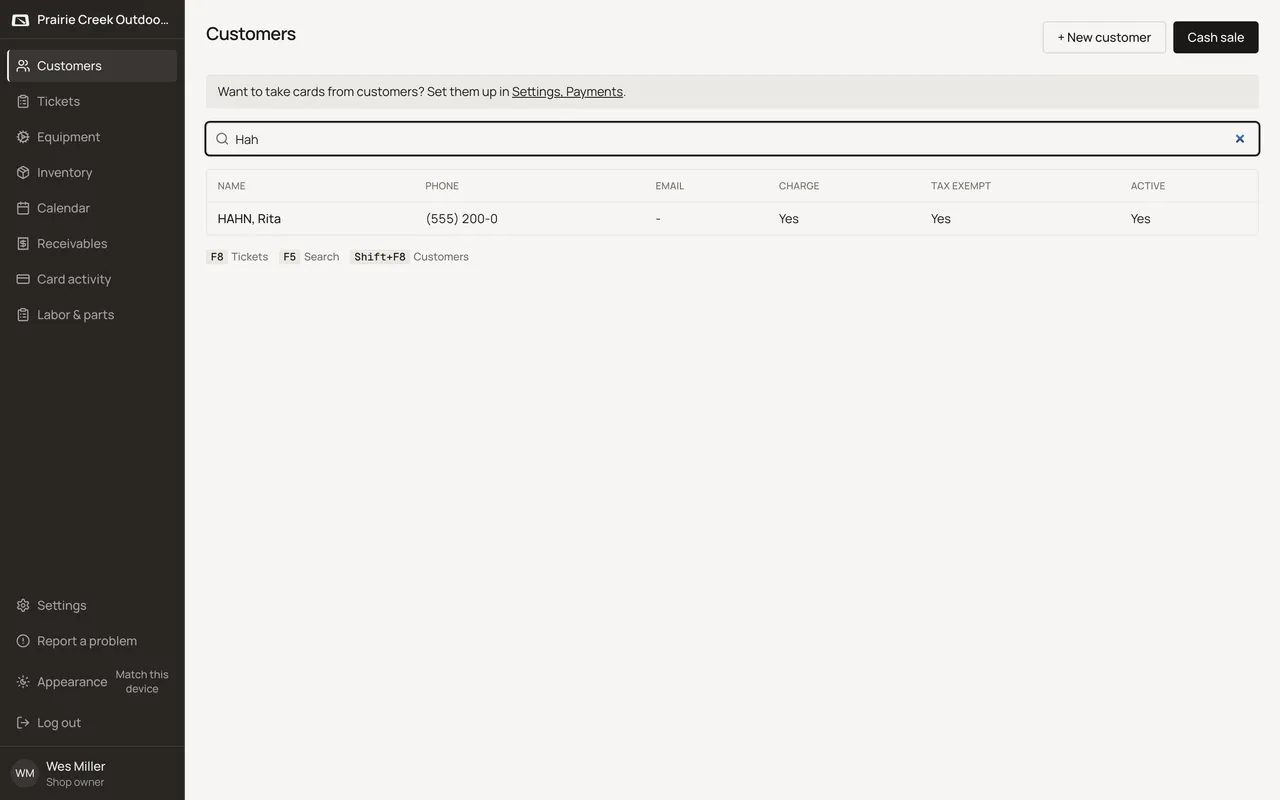
Sample shop. Made-up names and tickets.
Keys
- F5
- Focuses the search box.
What happens to money and stock
Nothing moves.
Watch out for
- The search box is not auto-focused on page load. Click it before typing.
Not yet
There is no customer barcode or loyalty card to scan. Scanning works for parts and equipment serials only.
Updated September 16, 2026