Search a part's history
Who this is for. Counter, shop owner.
Watch it
19 seconds, narrated, captions on. Sample shop. Made-up names and tickets.
What the clip says
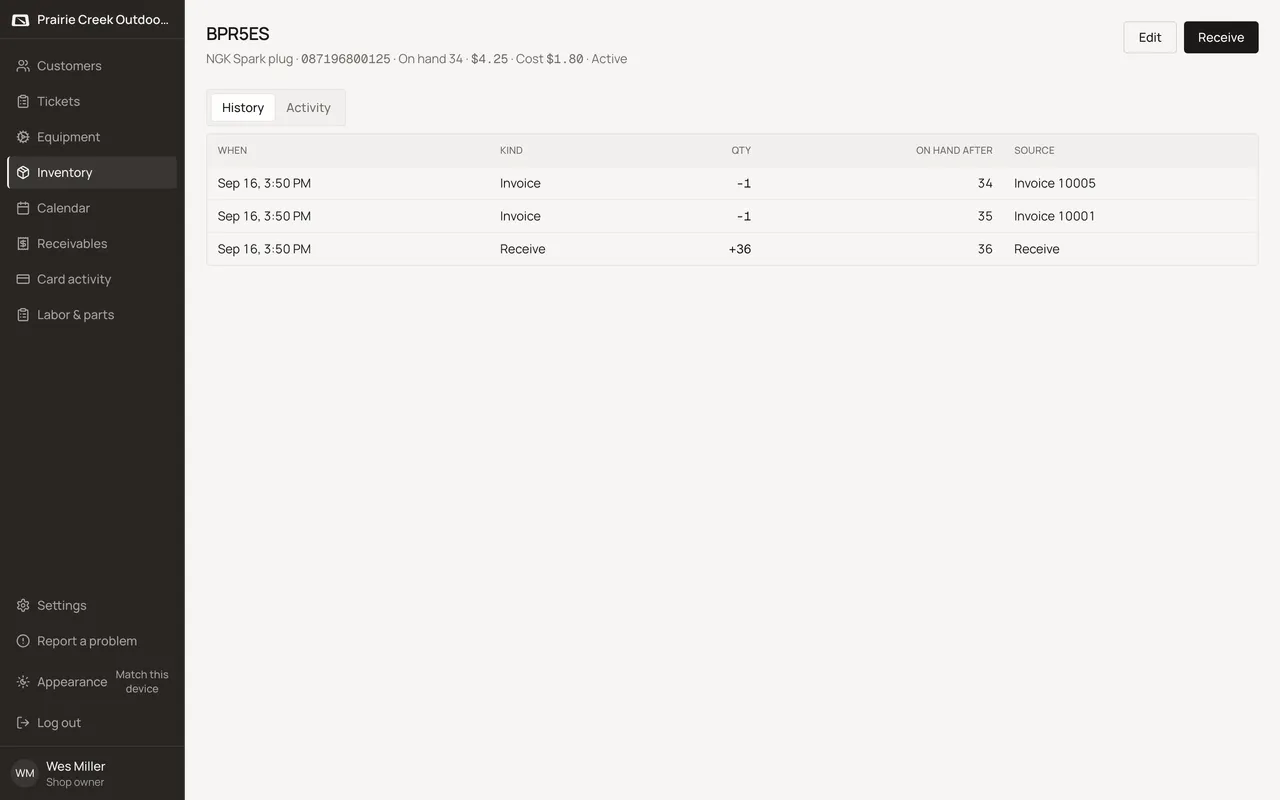
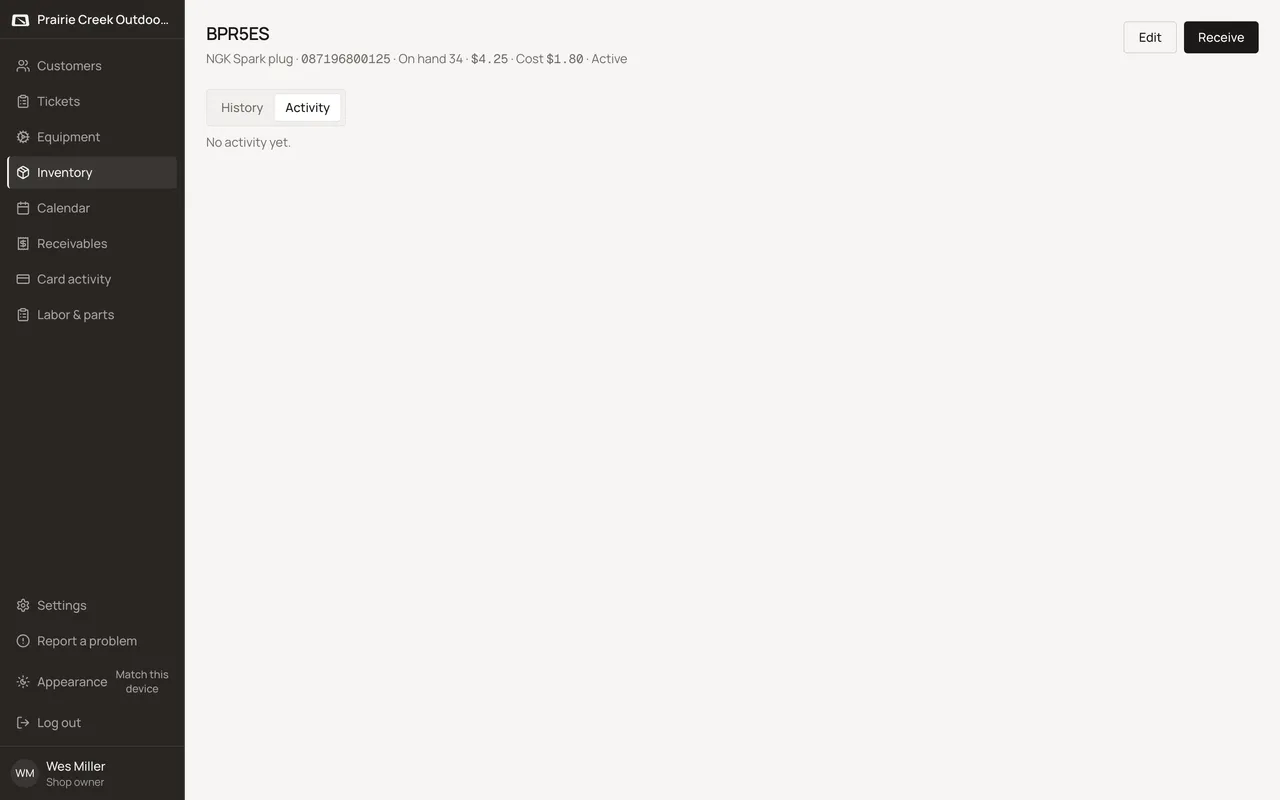
Sign in and open a part from Inventory. History is the running tape: every receive, invoice, and adjust. On hand is just the sum of these rows. Activity is a separate who and when timeline of edits, not a replacement for History.
History lists every receive, invoice, reversal, and adjust movement, each linking through to its ticket or invoice; on-hand is the running sum of these rows. Activity is a separate who/when timeline, not a replacement for History.
Steps
- Open a part from Inventory or Receive.
- Check History for every stock movement: When, Kind, Qty, On hand after, and a Source that links through to the ticket or invoice behind it.
- Check Activity for who changed what: created, identity edits, received, invoiced, voided, adjusted.
What happens to money and stock
Nothing moves.
Updated September 16, 2026