Show cost and profit on a ticket
Who this is for. Counter, shop owner (either can view once unlocked).
Watch it
15 seconds, narrated, captions on. Sample shop. Made-up names and tickets.
What the clip says
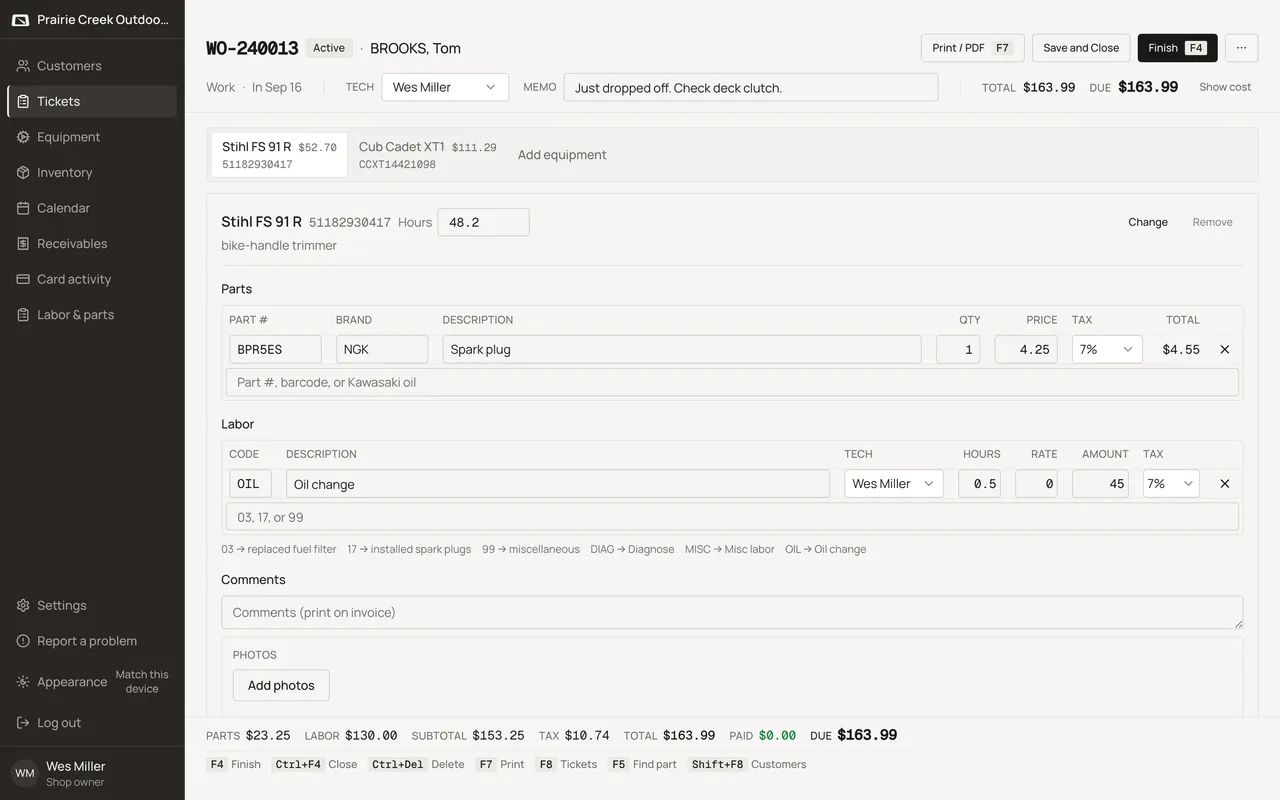
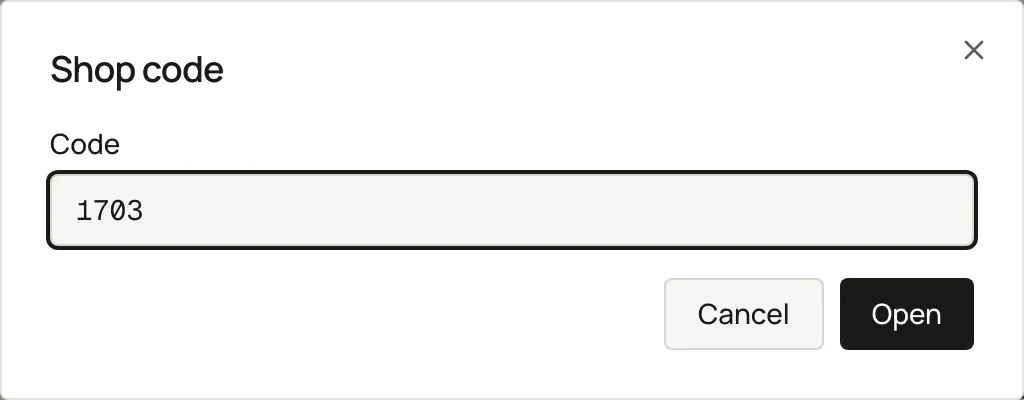
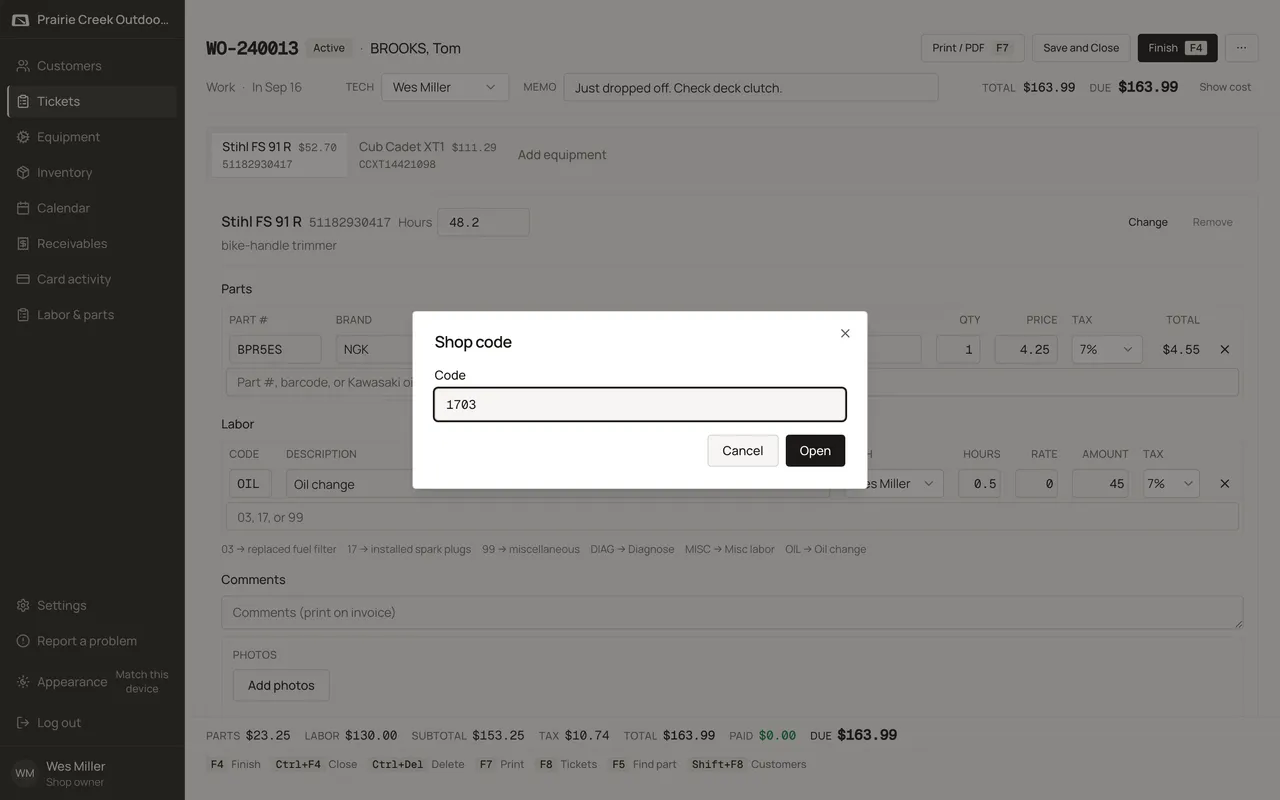
Sign in and open a ticket. Show cost, in the header, asks for the shop code. The right code opens Cost, Profit, and Net on every line for the rest of this session.
A Show cost button in the ticket header prompts for the shop code once, then reveals Cost, Profit, and Net on every parts grid until you sign out. The same unlock also opens Labor & parts totals for as long as you stay signed in.
Steps
- Click Show cost in the ticket header.
- Enter the shop code in the Shop code dialog’s Code field, then Open. A wrong code shows “That code is not right. Try again.”
- Cost, Profit, and Net appear on every parts grid, in muted styling, until you click Hide cost.
What happens to money and stock
Display-only; unlocking never changes what prints or what inventory does.
Watch out for
- The dialog is titled "Shop code" on screen, not PIN or Profit PIN.
- The shop code never hides on-hand or the inventory list's Cost column.
Updated September 16, 2026