Check labor and parts totals
Who this is for. Counter, shop owner.
Watch it
19 seconds, narrated, captions on. Sample shop. Made-up names and tickets.
What the clip says
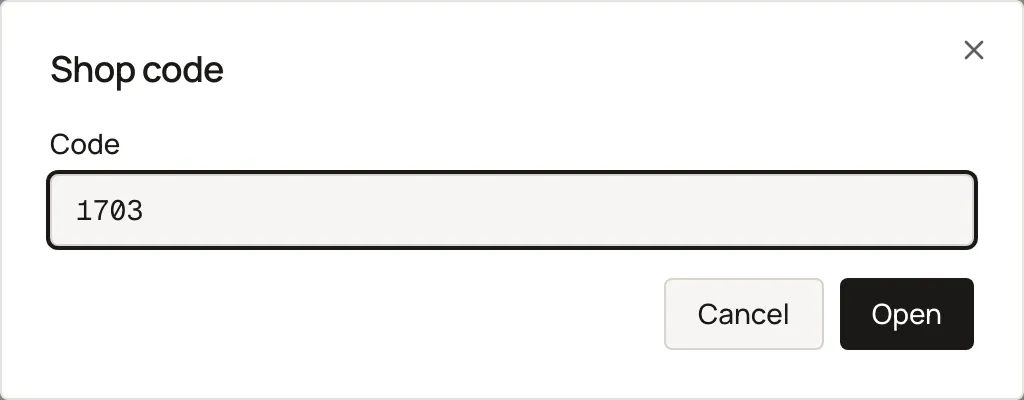
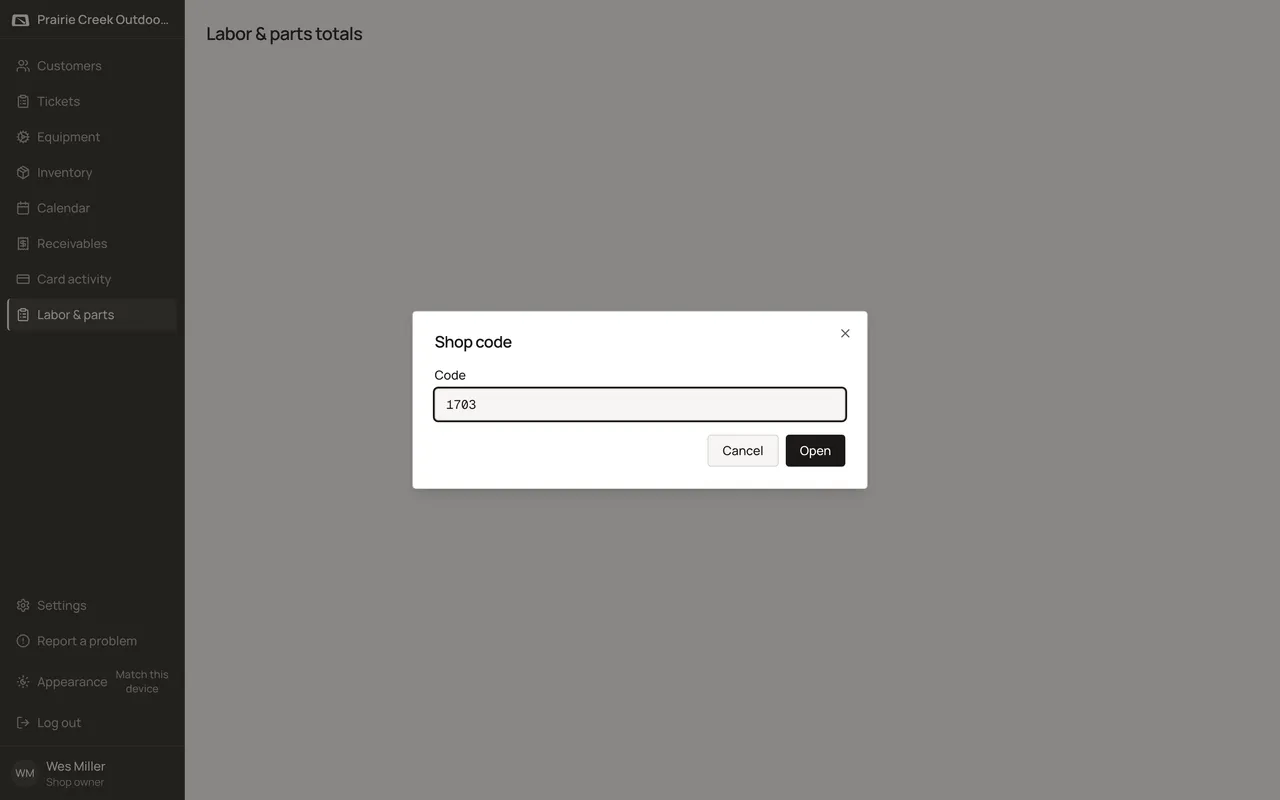
Labor & parts, in the sidebar, opens behind the same shop code as Show cost. Type the code to open the report. A date range narrows it. Parts, labor, and profit add up at the bottom.
Labor & parts totals sits behind the same shop code as Show cost. Set a date range and an optional tech or type filter to see Parts, Labor, and Profit per invoiced order.
Steps
- Enter the shop code if it hasn’t already been unlocked.
- Set From and To dates, and filter by tech or type.
- Read Parts $, Labor $, and Profit per order, with a footer total. Open orders, voided invoices, and reversals are excluded.
What happens to money and stock
Read-only report; excludes open orders, voided invoices, and reversals.
Watch out for
- The shop code unlock is shared with Show cost until you sign out. It's the same check, not a new permission.
Not yet
There is no way to export these totals to a file.
Updated September 16, 2026