Confirm your email and start the trial
Who this is for. Shop owner.
Watch it
19 seconds, narrated, captions on. Sample shop. Made-up names and tickets.
What the clip says
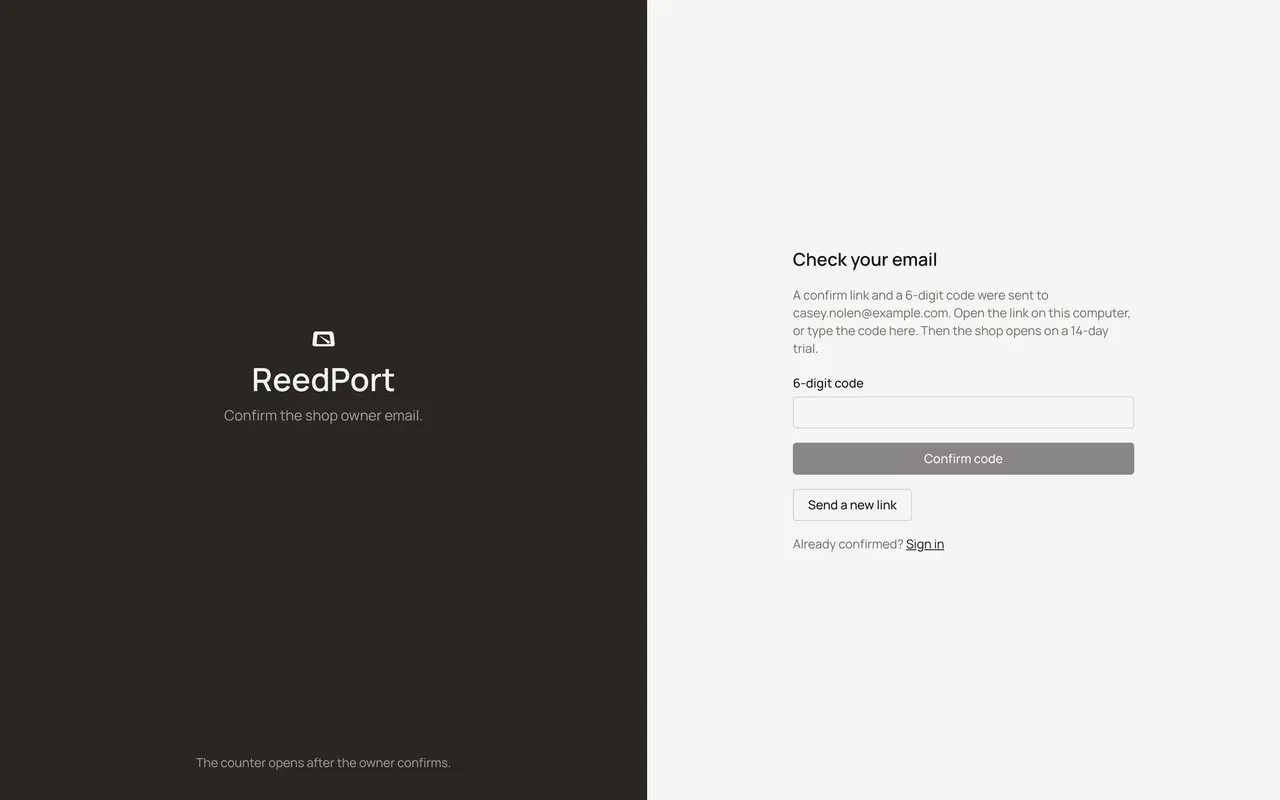
The confirm page is already open. A link and a 6-digit code were both emailed. Type the code instead of opening the link. Confirm code opens the shop on its 14-day trial. Skip the setup prompt for now. It waits in Settings.
The trial clock starts the moment email is confirmed, not at signup. Confirming lands on Customers with the first-run prompt.
Steps
- Click the emailed link, or type the 6-digit code with the email address and click Confirm code.
- Send a new link resends if the first one expired or never arrived.
- Confirming lands on Customers, with the first-run prompt described next.
Sample shop. Made-up names and tickets.
What happens to money and stock
Nothing moves.
Watch out for
- The 14-day trial clock starts here, not at signup.
- One error message covers both an expired and an already-used link.
Not yet
There is no way to change the email address from this screen. Sign up again if it needs to change.
Updated September 16, 2026