Reprint or email an invoice
Who this is for. Counter, shop owner.
Watch it
19 seconds, narrated, captions on. Sample shop. Made-up names and tickets.
What the clip says
Sign in and open a ticket that has already been invoiced. Press F7, or Print invoice, to open that invoice again. Cost and profit never print here, only what the customer paid. Print, email, or download hands over the same document again.
The invoice document page prints, downloads, or emails the same PDF the customer already has. Cost and profit never appear on it, no matter who is signed in.
Steps
- Open the invoice from the ticket, the customer’s Balance tab, Receivables, or an Equipment history row.
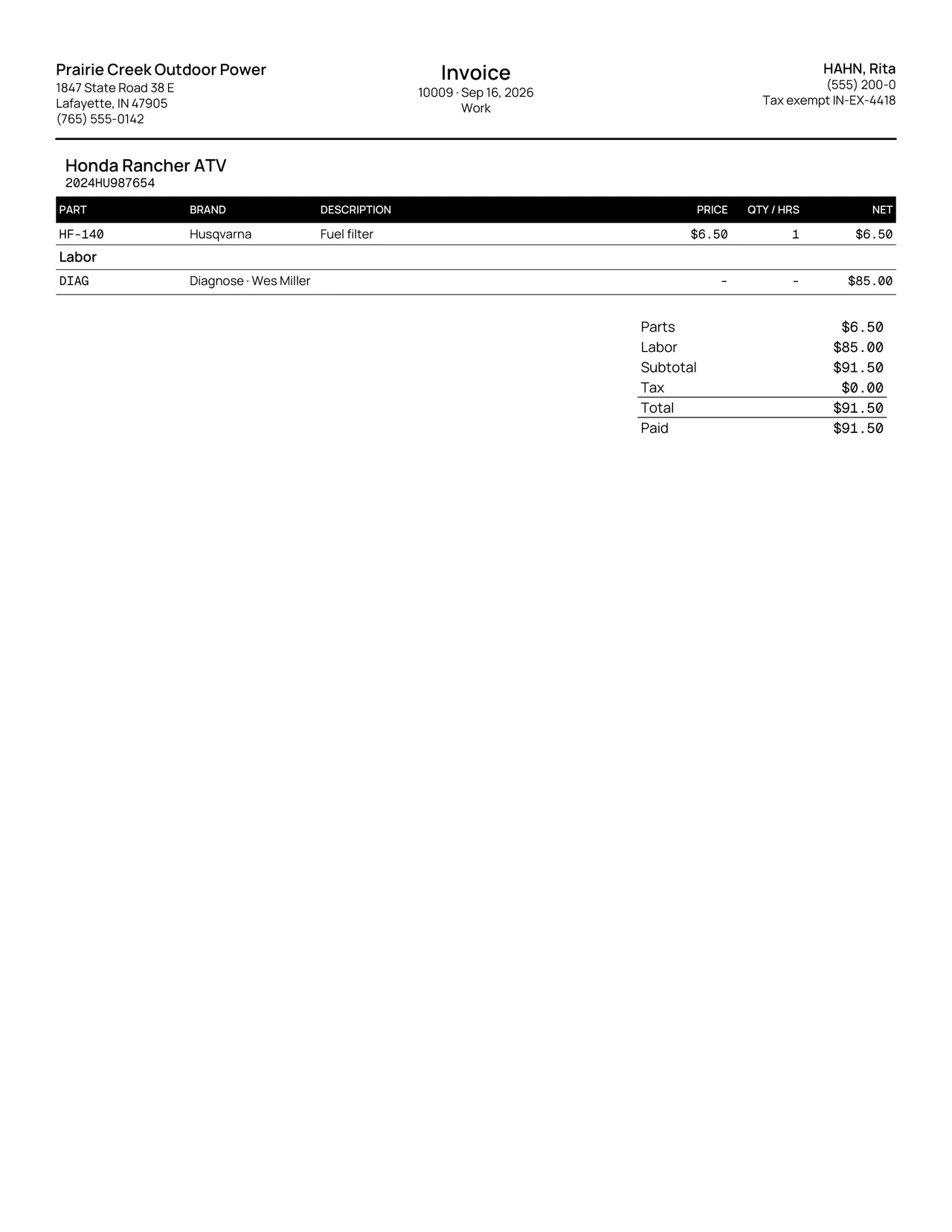
- Click Print, Download PDF, or Email invoice, or press F7 to print. Emailing shows “Invoice emailed.” once it sends, or the specific reason it failed.
- Take payment sits on this page too, once Due is above 0. Open ticket and Customer jump back to where the invoice came from.
Keys
- F7
- Opens Print invoice.
What happens to money and stock
Nothing moves.
Watch out for
- A voided invoice's document shows Voided; a reversal prints as a reversal.
Updated September 16, 2026