Take a payment on an invoiced ticket
Who this is for. Counter, shop owner.
Watch it
22 seconds, narrated, captions on. Sample shop. Made-up names and tickets.
What the clip says
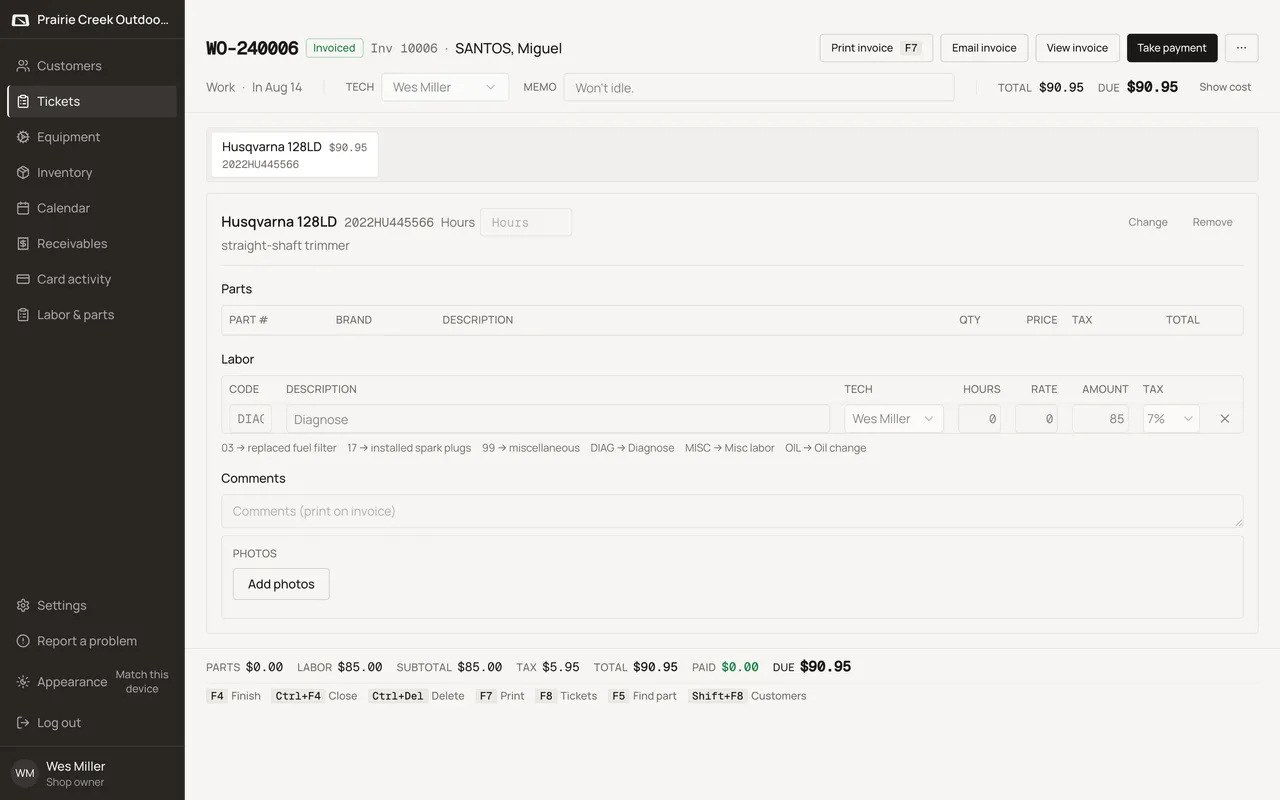
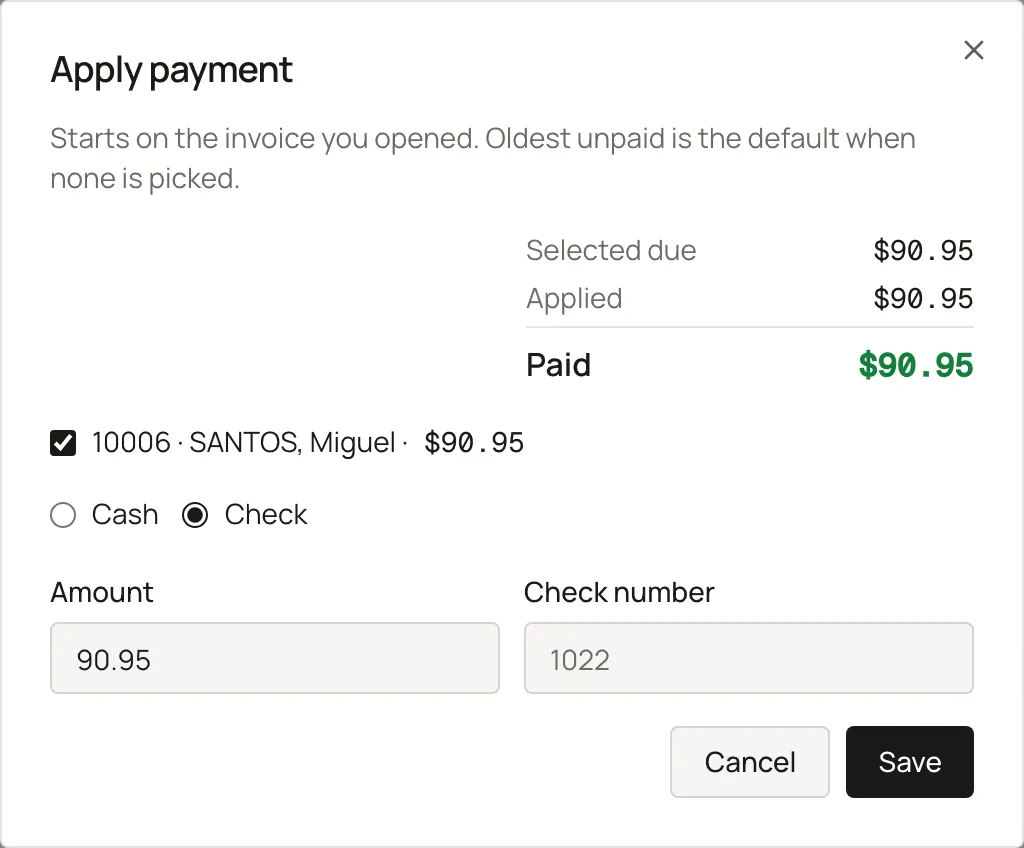
Sign in and open a ticket that already carries a balance. Take payment opens the same dialog Receivables uses. Cash is picked, and the full amount owed is already filled in. Save records the payment against this invoice. View invoice shows the balance paid down to zero.
Take payment shows once a ticket is invoiced with money still due. It opens the same Apply payment dialog used on Receivables and a customer’s Balance tab.
Steps
- Click Take payment on the ticket header or the invoice document page.
- The dialog opens defaulted to Check. Switch to Cash or Card, then enter the amount.
- A card tender can hand off to Stripe Connect for a keyed, reader, or payment-link collection if the shop has it set up.
What happens to money and stock
Posts a Payment; a card tender can hand off to Stripe Connect if it's ready.
Updated September 16, 2026